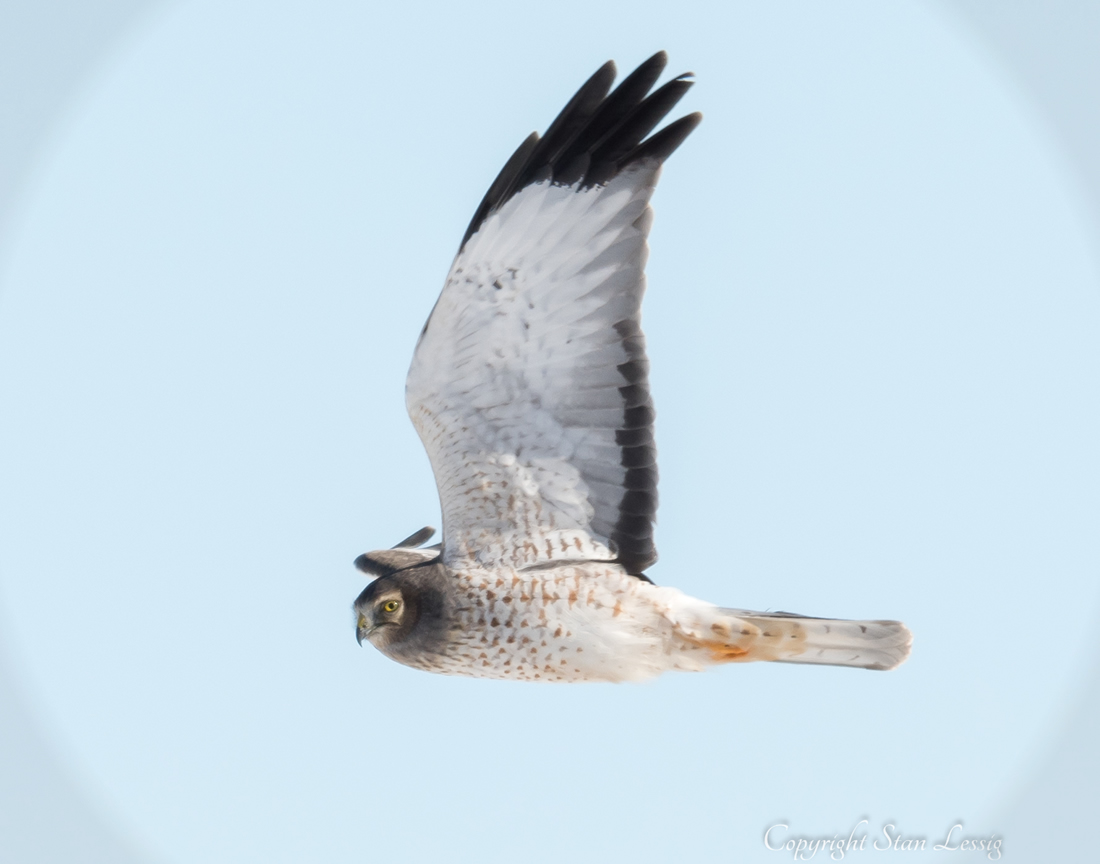
Vignetting: The areas around the edges, especially corners, of your image that are darker than the rest of the image. This is one area that has never really been a problem for me. You actually see this more with full-frame sensors than you do with the smaller APS-H and APS-C sensors. The primary cause of vignetting is the lens and the sensor size. In case you haven't notices, lenses are round and image sensors are rectangular. So, how to you get a rectangular image from a round lens? You don't shoot the entire lens area. You crop that rectangular image from the middle of the lens. The smaller the sensor, the smaller the area around the center of the lens you actually use for your image. The center of the lens is typically the best part of the glass and has the best light transmission. The farther you move to the outer edges, the less refined the glass becomes and the farther the light has to travel before reaching the sensor. It's a minimal change in distance but light brightness falls off very quickly. It's not intentional, it's just the way light and lenses are. So, the full frame sensor uses most of the glass to the edges (at least at the corners of the sensor) and that is where the vignettting occurs. The center oval is great but the corners become slightly darker. Again, there are some ways to minimize this in the lens construction and even within the camera's built-in software/firmware. There are likely to be menu settings to correct vignetting to various degrees, from none at all to strong correction. Post processing software will almost certainly include the ability to correct vignetting. Additionally, if you are cropping your final image (cutting out only the part you want to keep,) it is likely you would end up removing most if not all the vignetting anyway. The image below is faked vignetting just to demonstrate the concept.